
CART 0

Custom Acrylic Signs

$1.00

3/16 clear acrylic printed second surface, standoffs in silver or black

Select file

    Overview

    About Acrylic Signs

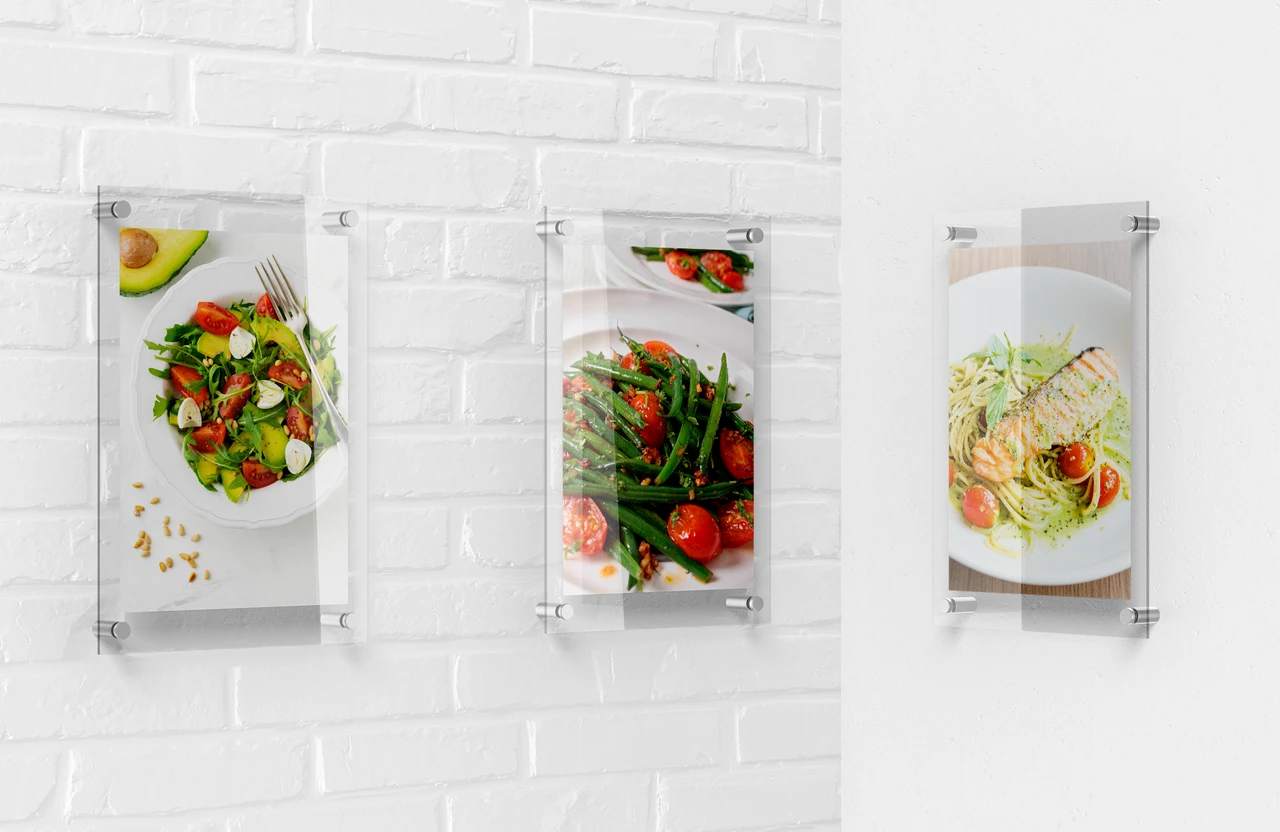
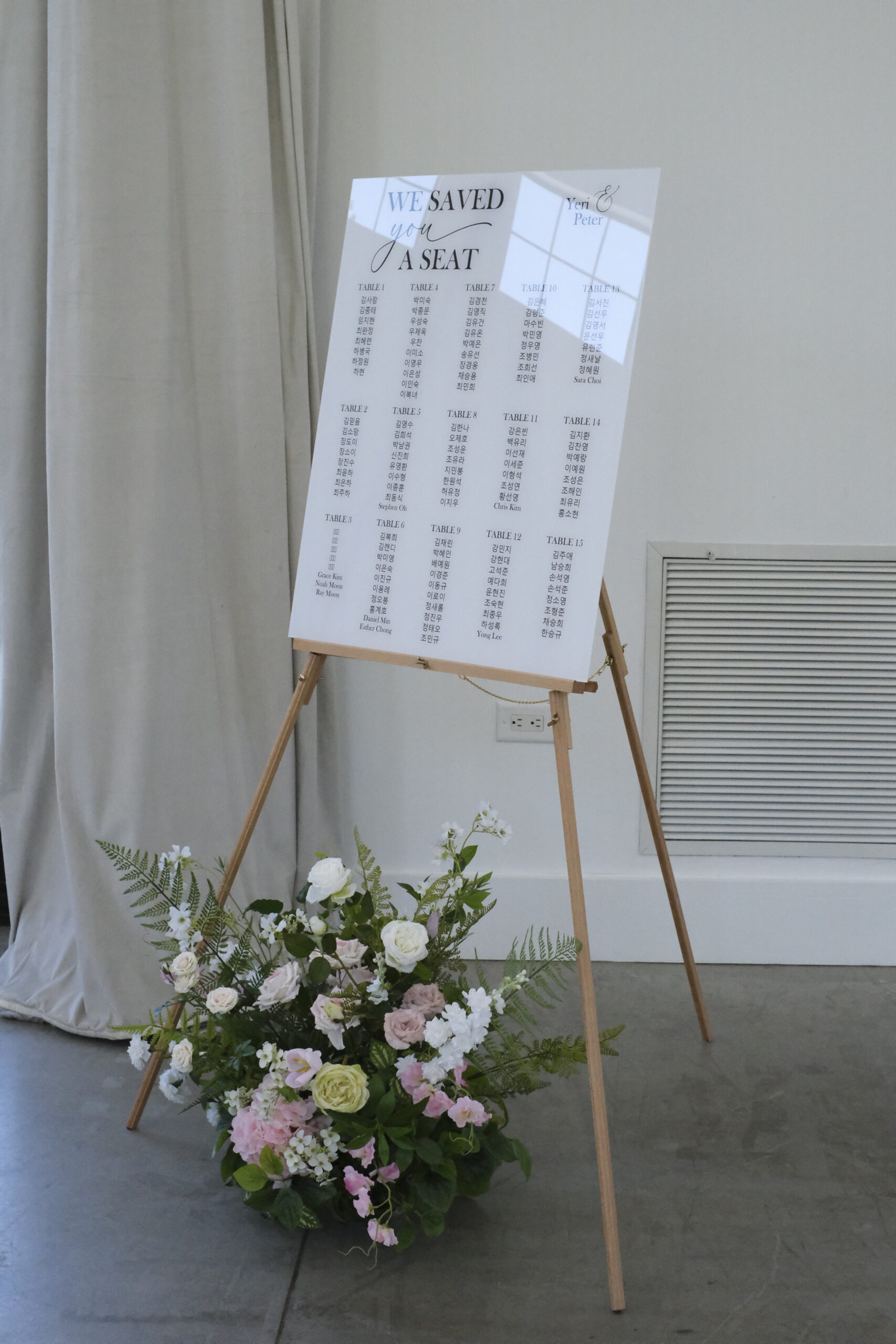
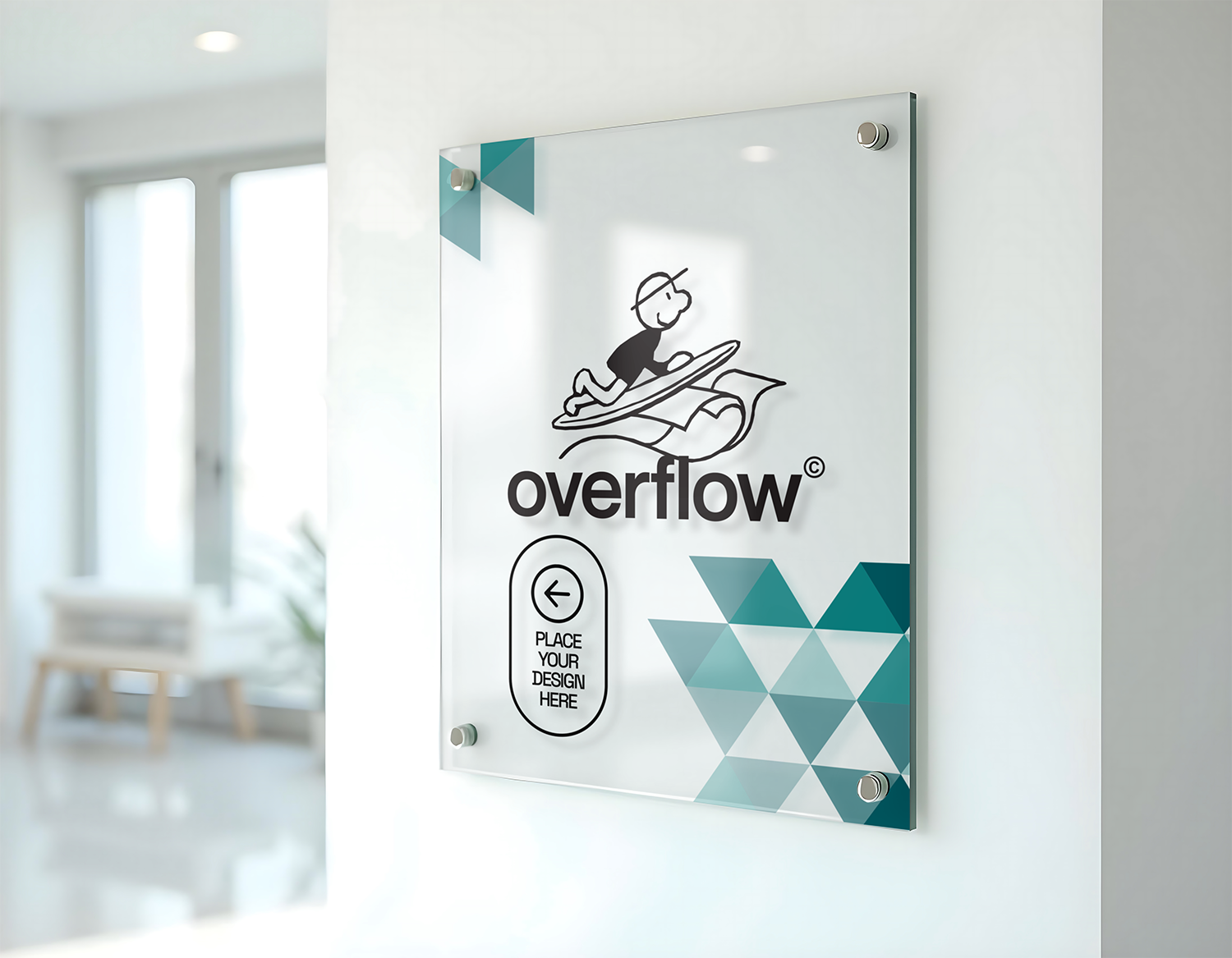
    Acrylic signs are the premium lobby look — glass-like 3/16″ acrylic printed on the back (second-surface) with a white underbase, so your logo and colors sit behind a glossy, scratch-resistant face with real depth.

    Enter any custom size, add aluminum wall standoffs in silver or black to float the sign 3/4″ off the wall, and choose rounded corners, a contour cut, or spot-white transparency effects for frosted and clear areas. Pricing starts at $81.47.

    Upload a print-ready file or design online, and your acrylic sign is printed and cut in 2 business days, with free local pickup in Lawrenceville or Suwanee, GA — or shipping if you prefer.

    Materials & finishes

    Finishes & materials

    Clear Acrylic
    Glass-like with polished edges

    Specs

    File setup & bleed

    File SetupFor a 24″x18″ sign (example), your design file should be 24.25″x18.25″.This allows for a 0.125″ bleed area on all sides to ensure the background coloror image will show to the edges of the sign when it is cut.The same rule applies to any custom size: add 0.125″ on every side of your finished dimensions.YOUR DESIGNKEEP TEXT INSIDE THE GREEN SAFE ZONE18.25″ with Bleed18″ Finished24″ Finished24.25″ with BleedSAFE ZONEDO NOT place important textsor images beyond the dotted areaTRIM LINEThis is the actual cut of thefinal design.BLEEDExtend your artwork past thisline if you want your design toreach the edges of the sign.

    Planning standoffs? Keep logos and text at least 1.5″ from each corner so the mounting holes stay clear. Spot-white effects need a separate white layer in your file.

    Why acrylic

    Why choose acrylic signs

    Glass-like depth

    Second-surface print behind clear acrylic — glossy and scratch-resistant.

    Standoff mounting

    Silver or black aluminum standoffs float it 3/4″ off the wall.

    Transparency effects

    Spot-white underbase lets you mix opaque, frosted, and clear areas.

    Finished edges

    Rounded corners or custom contour cuts.

    How it works

    How to order

    1. Enter size & options — type your width and height, add standoffs, corners, cut style, and spot-white.
    2. Add your artwork — upload a print-ready file, or design one online.
    3. We print & cut — UV-printed and cut to size in 2 business days (custom contour cuts add 1 day).
    4. Pick up or ship — grab it locally in GA, or have it shipped.

    FAQ
    Acrylic Signs FAQ

    What does second-surface mean?
    We print on the back of the clear acrylic with a white underbase, so you view the image through the sheet — glossy, deep, and protected from scratches.
    How do standoffs work?
    Four aluminum posts (silver or black) mount through holes in the corners and hold the sign 3/4″ off the wall. We drill the holes to match.
    Can parts of the sign be clear?
    Yes — with spot-white we print white only where you want opacity, leaving the rest clear or frosted. Include a separate white layer in your file.
    Is acrylic good outdoors?
    It is designed for long-term indoor display — lobbies, offices, reception walls. Ask us before using it outside.
    What is the minimum size for a contour cut?
    Custom contour cuts start at 6″ × 6″.
    How fast is turnaround?
    Signs are printed and cut in 2 business days. Choosing a custom contour cut adds 1 day.
    What file should I send?
    A print-ready PDF (or AI, PNG) at full size, CMYK, with 0.125″ bleed and text kept 0.25″ from the edges — or design online with our free tool. For contour cuts, include the cut line as a separate vector path.
    ★★★★★

    5.0

    Rated 5.0 out of 5 by 131 customers on Google

    Read our Google reviews
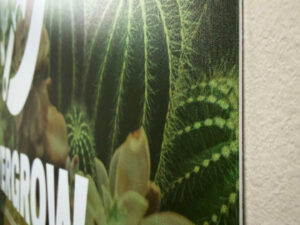
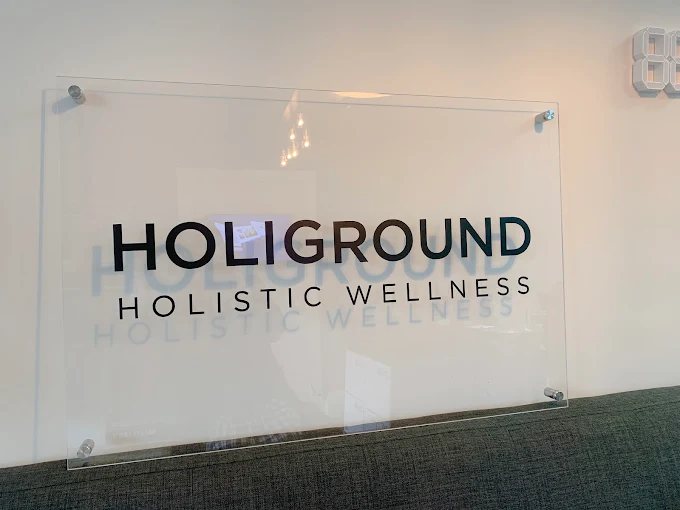
    Custom acrylic office sign printed by Overflow Print, Holiground Holistic WellnessCustom acrylic sign with gold lettering printed by Overflow Print, Foxi Spa
    Business Card Templates

    Choose a template

    Start from a ready-made design, or upload your own. All templates are fully editable.

    Business Cards
    Templates
    Add Text
    Select a text layer, then bend it along a curve.
    Uploads

    Click or drop your logo / image

    Graphics

    Click to add. Edit fill, border & opacity from the top toolbar.

    Background color
    Swatches
    CMYK
    Product options
    More

    Photos, QR codes, etc. (v2)

    Align to page
    Layer order

    Select a layer on the card, then align or reorder it. Shortcuts: ] / [ to front/back, ⌘] / ⌘[ forward/backward.

    Text alignment
    List style

    Toggle on/off by tapping again. Works per line of the selected text.

    Spacing
    3.5 in
    2 in
    3.5″ × 2″
    Front
    Back
    ⚙

    Finished with your design?

    Log in to save your project and access it in the future.

    Drag-free preview
    Design preview

    Review your design

    Double-check the following details before you continue.

    • Text is clear and easy to read
    • Information is spelled correctly
    • Images are sharp with no blurring
    Design preview

    Choose your options

    Select quantity, paper, and finishing. Your design is saved.

    Scroll to Top